Hello, what is wrong with this code?
body { background-image: url (https://cdn.freecodecamp.org/curriculum/css-cafe/beans.jpg); }
Step 28
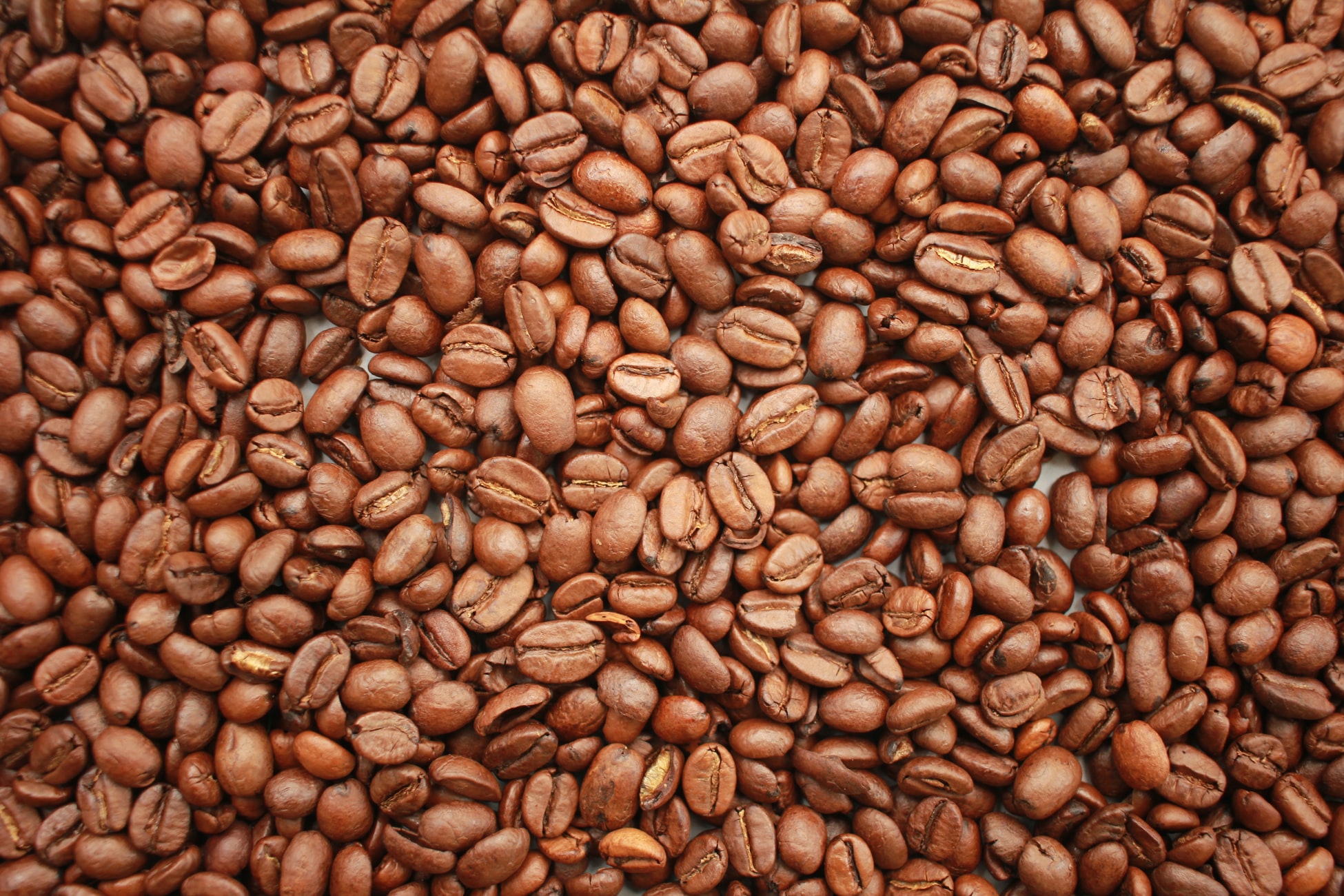
…Since the cafe’s main product for sale is coffee, you could use an image of coffee beans for the background of the page.
Delete the comment and its contents inside the body type selector. Now add a background-image property and set its value to url(https://cdn.freecodecamp.org/curriculum/css-cafe/beans.jpg)…
Your code so far
<!-- file: index.html -->
<!DOCTYPE html>
<html lang="en">
  <head>
    <meta charset="utf-8" />
    <meta name="viewport" content="width=device-width, initial-scale=1.0" />
    <title>Cafe Menu</title>
    <link href="styles.css" rel="stylesheet"/>
  </head>
  <body>
    <div class="menu">
      <main>
        <h1>CAMPER CAFE</h1>
        <p>Est. 2020</p>
        <section>
          <h2>Coffee</h2>
        </section>
      </main>
    </div>
  </body>
</html>
/* file: styles.css */

/* User Editable Region */


body {background-image: url (https://cdn.freecodecamp.org/curriculum/css-cafe/beans.jpg);}


/* User Editable Region */


h1, h2, p {
  text-align: center;
}

.menu {
  width: 80%;
  background-color: burlywood;
  margin-left: auto;
  margin-right: auto;
}
Your browser information:
User Agent is: Mozilla/5.0 (Macintosh; Intel Mac OS X 10_15_7) AppleWebKit/605.1.15 (KHTML, like Gecko) Version/16.4 Safari/605.1.15
Challenge: Learn Basic CSS by Building a Cafe Menu - Step 28
Link to the challenge: