That works! I’ll read what is bootstrap class. I thought if the result is the same with
.img-responsive {
  width: 100%;
  height: auto;
}
it is ok then. Am I wrong?
That works! I’ll read what is bootstrap class. I thought if the result is the same with
.img-responsive {
width: 100%;
height: auto;
}
it is ok then. Am I wrong?
Yes… here your width is 100% so the image fulfills the code… because of that (100%width) image is centered and responsive and you pass tests…
@Spychu1993, I see someone has given you the answer.
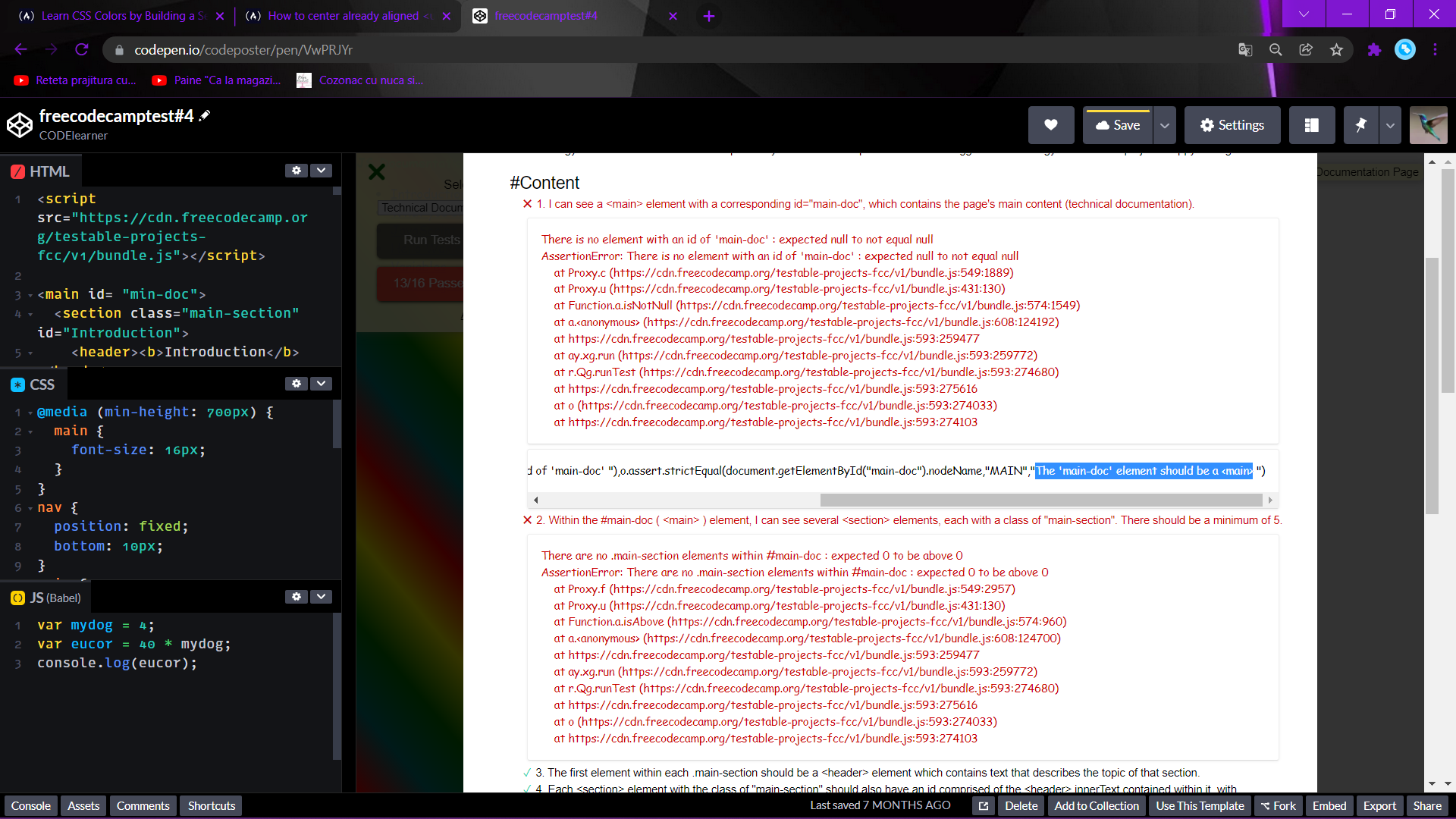
In the future, when a test fails, click the red button to see which test(s) are failing and text to help you correct the issue.
Be sure and read more than just the first line of the failing message. The ability to read and comprehend error messages is a skill you’ll need to acquire as a developer. Ask questions on what you don’t understand.
I do read it. But anythng below it, I mean all the strange links that lead to wbsites full of lines of code - I don’t understand them.
I am just clueless because english is not my native language. In the end when I am not able to find information on google I am asking here. I don’t do it out of laziness.
It’s the first three lines you want to pay attention to. They tell you what the test is looking for and why it is failing.
So while you used display: inline; the test is saying it expects to see display: block;
The rest is parts of a stack trace and you do need to delve into that.
Hope that helps.
This topic was automatically closed 182 days after the last reply. New replies are no longer allowed.