The Step text says:
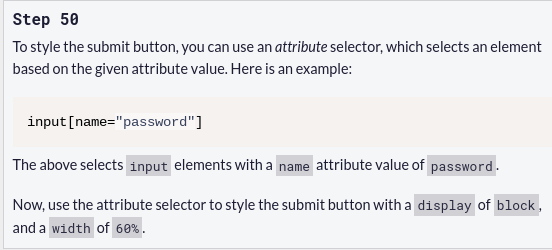
"Here is an example:
input[name="password"]
The above selects input elements with a name attribute value of password .
Now, use the attribute selector to style the submit button with a display of block , and a width of 60% ."
The attribute should be type, not name, and the interface correctly catches this.
Thank you!
I’m not sure I understand what you mean. The input element has both a name and type of password.
ALLESS
3
THE LESSON SAYS:
The Tutorial is asking you write an Input with the` type="submit"`.
It then asks you to Style it in CSS, with :
The display of Block
and width of 60%
The Language of the instruction is a little Obscure, and perhaps, being the BETA, will be refined when done.
Thank you both, I understand now.
No final o codigo deverá ficar da seguinte forma:
input[type=“submit”] {
display: block;
width: 60%;
}