Tell us what’s happening:
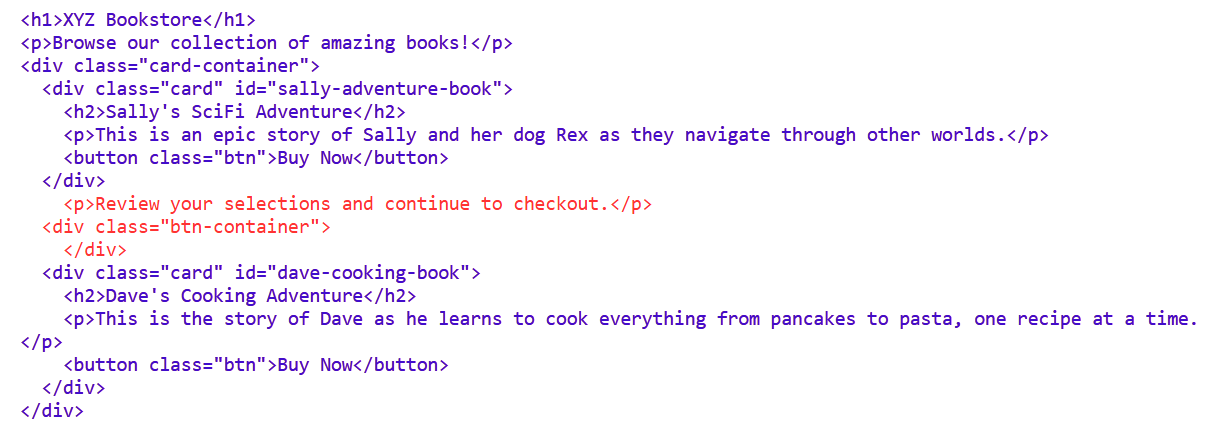
It says The newly added p element should be below the element with a class of card-container.
but i did add it
Your code so far
<!-- User Editable Region -->

<h1>XYZ Bookstore</h1>
<p>Browse our collection of amazing books!</p>
<div class="card-container">
  <div class="card" id="sally-adventure-book">
    <h2>Sally's SciFi Adventure</h2>
    <p>This is an epic story of Sally and her dog Rex as they navigate through other worlds.</p>
    <button class="btn">Buy Now</button>
  </div>
    <p>Review your selections and continue to checkout.</p>
  <div class="btn-container">
    </div>
  <div class="card" id="dave-cooking-book">
    <h2>Dave's Cooking Adventure</h2>
    <p>This is the story of Dave as he learns to cook everything from pancakes to pasta, one recipe at a time.</p>
    <button class="btn">Buy Now</button>
  </div>
</div>


<!-- User Editable Region -->
Your browser information:
User Agent is: Mozilla/5.0 (Macintosh; Intel Mac OS X 10_15_7) AppleWebKit/537.36 (KHTML, like Gecko) Chrome/141.0.0.0 Safari/537.36
Challenge Information:
Build a Bookstore Page - Step 15
https://www.freecodecamp.org/learn/full-stack-developer/workshop-bookstore-page/step-15
 It is below my closing tag
