Hi there people, please peruse my tribute page to…
The Mighty Newcastle United! (insert facepalm.jpg here)
worryingly enough, this took me 2 and a half hours to do!!! 
but anywho, have a look, help me out with the design of it (it looks terrible, granted, but i ain’t no designer, just hope my codes okay!)
Hello @paulgoogle,
HTML
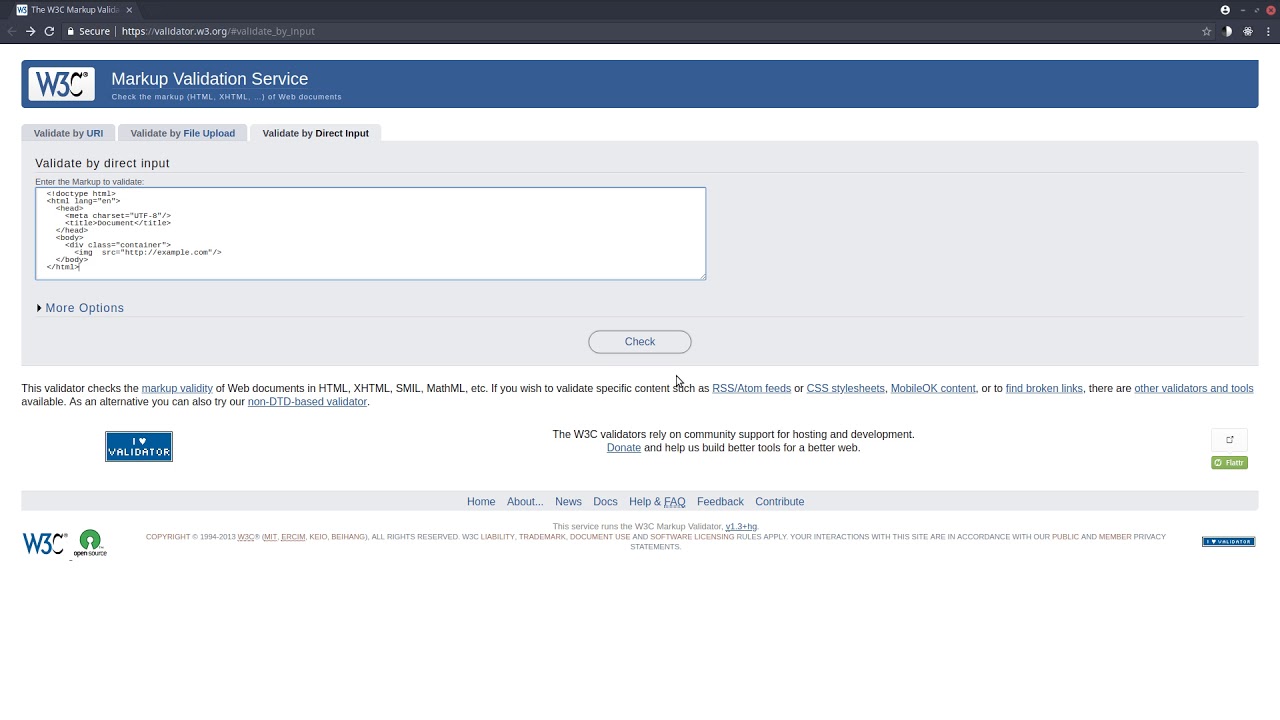
Stray end tag “img”.
From line 9:
</img>
MDN documentation:
<img>: The Image Embed element - HTML | MDN
Tag omission
Must have a start tag and must not have an end tag.
- Target blank vulnerability
Line 83:
<a id="tribute-link" href="https://en.wikipedia.org/wiki/Newcastle_United_F.C." target="_blank" >here</a>
MDN documentation:
<a>: The Anchor element - HTML | MDN
Note: When using target, consider adding rel=“noreferrer”
,to avoid exploitation of the window.opener API.
About rel=noopener
TL;DR If window.opener is set, a page can trigger a navigation in the opener regardless of security origin.
Target="_blank" - the most underestimated vulnerability ever
People using target=‘_blank’ links usually have no idea about this curious fact:
The page we’re linking to gains partial access to the linking page via the window.opener object.
The newly opened tab can, say, change the window.opener.location to some phishing page. Or execute some JavaScript on the opener-page on your behalf… Users trust the page that is already opened, they won’t get suspicious.
How to fix
Add this to your outgoing links.
rel="noopener"
Update: FF does not support “noopener” so add this.
rel="noopener noreferrer"
Remember, that every time you open a new window via window.open(); you’re also “vulnerable” to this, so always reset the “opener” property
var newWnd = window.open();
newWnd.opener = null;
cheers and happy codding 
Note:
Tools used:
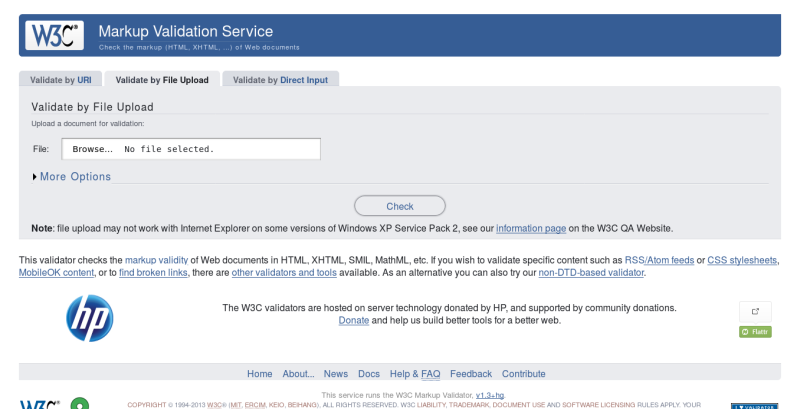
[w3c markdown checker web service] (Service » Input » POST body · validator/validator Wiki · GitHub)

Video:
2 Likes
 disgusted at myself for the img tag issue though!!!
