Tell us what’s happening:
Describe your issue in detail here.
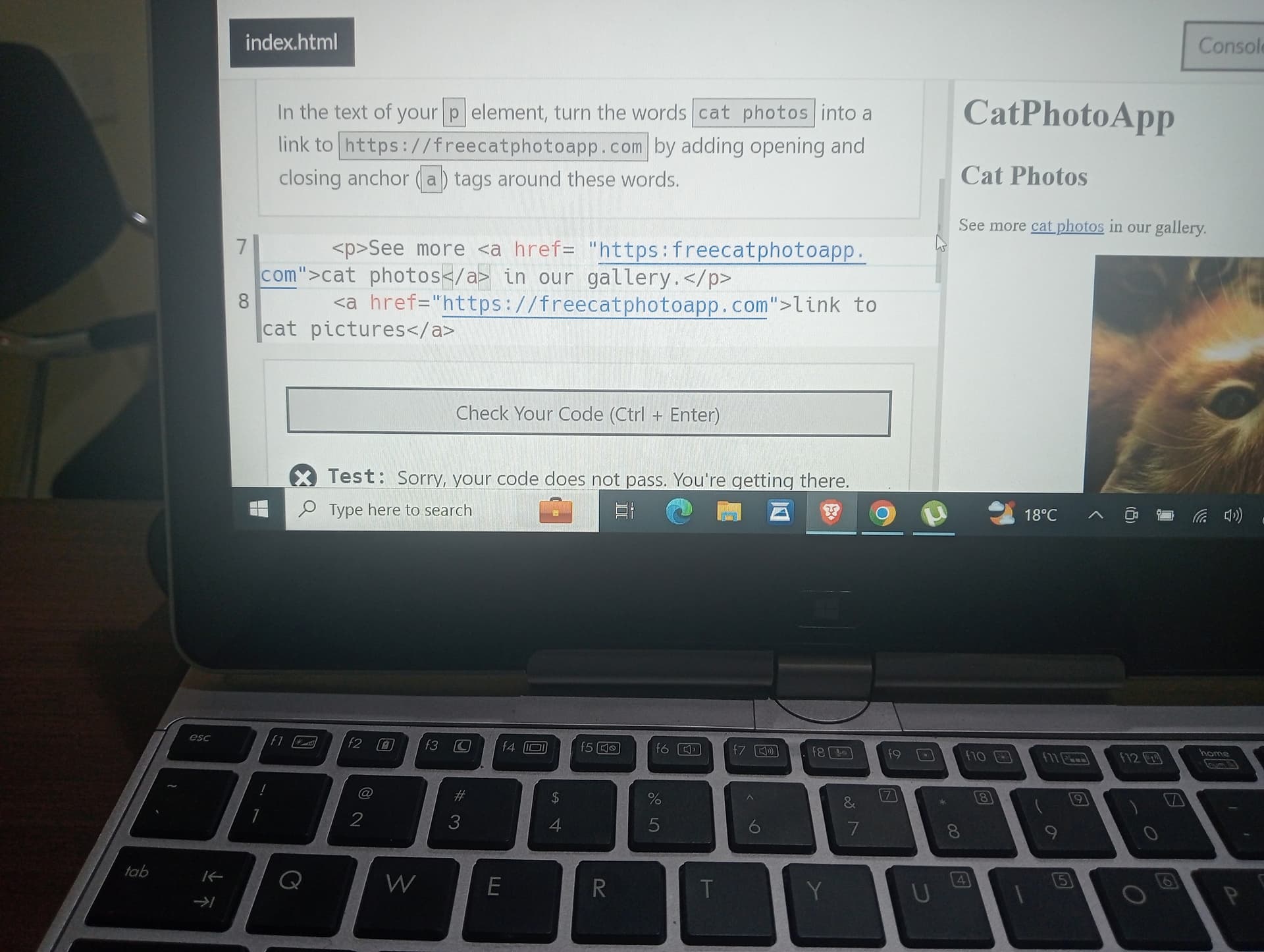
I am unable to proceed from step 12 where am adding anchor (a) in element p Your code so far
<html>
  <body>
    <main>
      <h1>CatPhotoApp</h1>
      <h2>Cat Photos</h2>
      <!-- TODO: Add link to cat photos -->

<!-- User Editable Region -->

      <p> =See more <a href="https://cat photos"></a> in our gallery.</p>
      <a href="https://freecatphotoapp.com">link to cat pictures</a>

<!-- User Editable Region -->

      <img src="https://cdn.freecodecamp.org/curriculum/cat-photo-app/relaxing-cat.jpg" alt="A cute orange cat lying on its back.">
    </main>
  </body>
</html>
Your browser information:
User Agent is: Mozilla/5.0 (Windows NT 10.0; Win64; x64) AppleWebKit/537.36 (KHTML, like Gecko) Chrome/114.0.0.0 Safari/537.36
Challenge: Learn HTML by Building a Cat Photo App - Step 12
You have gotten 80% of the challenge.
Read the instructions of the step 12 challenge very well (carefully) and you will figure it out.
It is clearly stated there.
If still can’t figure it out, hit the reply button and I’ll give you another hint that will bring you closer to the answer.
I am sorry for that. Please try again, don’t give up.
It will be better reward if you figure it out yourself.
Just use five minutes and think about the solution and if you still can’t figure it out you let me know.
Don’t give up please,
reset that particular challenge by clicking on the rest button below it.
Now, pay attention.
The challenge is the same with the previous challenge 11, except that challenge 12 want you to wrap the anchor tag around the text “cat photos” by so doing you turn the text in a link just as you did in challenge 11 .
Focus on this part of the instruction below:
" In the text of your p element, turn the words cat photos into a link to https://freecatphotoapp.com by adding opening and closing anchor (a ) tags around these words."
In the future, its better to keep sharing your updated code so we can see what you are trying to do based on the suggestions provided. It would make things a lot easier for us and you.
 to the link given to you in the instruction.
 “
“
 and compare it with what you have. Check every single character.