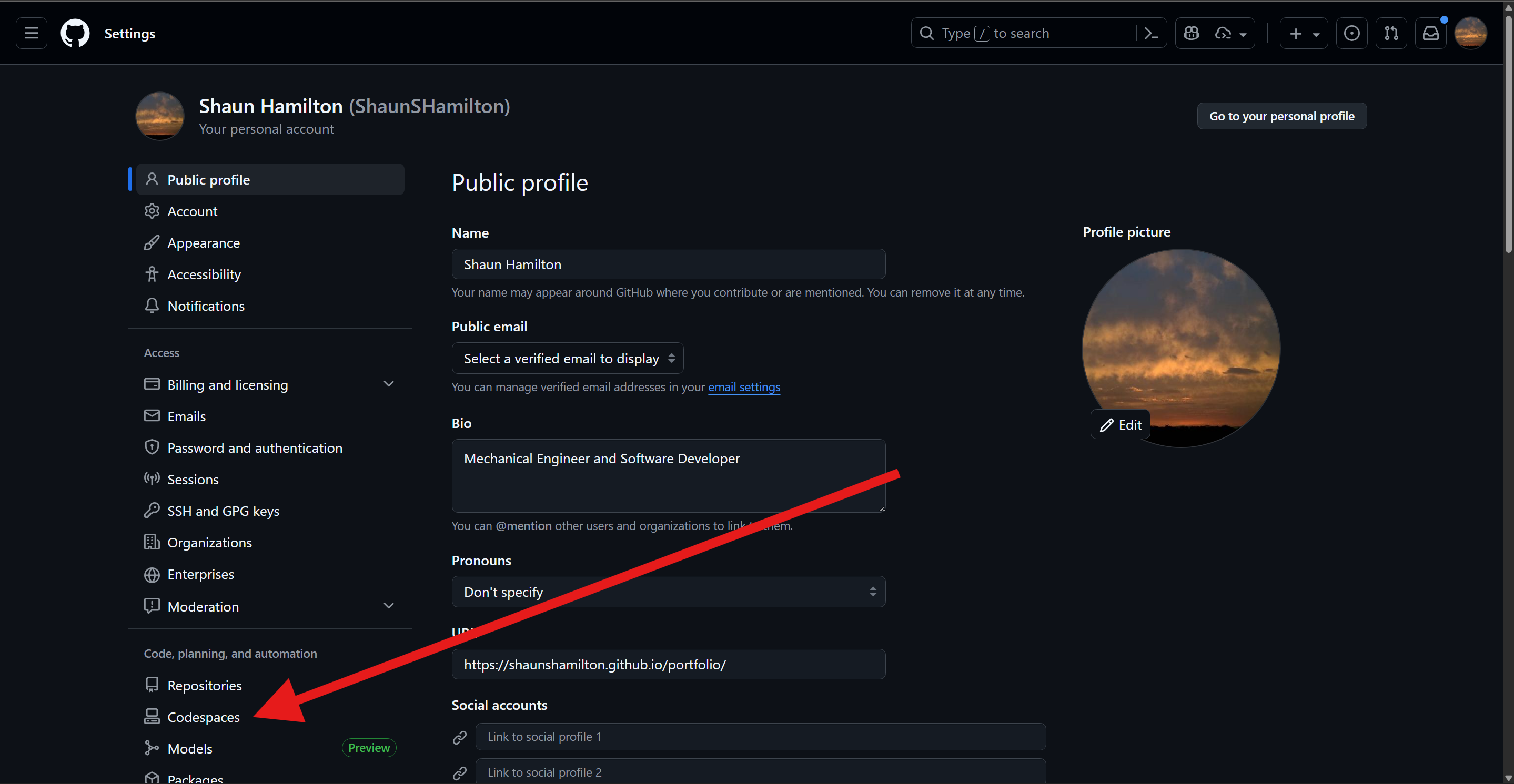
Codespaces is a secure, cloud development environment native to GitHub.
Adding the User Token




Starting an Environment
- Click the “Start the course” button on any Relational Database page
- This should open a new window with a modal prompting for the configuration for the environment
- Click the
Create codespacebutton
Starting a Project in CodeRoad
- Once the Codespace environment is running, open the VSCode Command Palette
- Type
CodeRoad: Startand click enter - Once the CodeRoad webview is running, click the
Start New Tutorialbutton - Click the
URLtab - From the specific Relational Database project page you want to complete, click the
Copy Course URLbutton - Paste the URL into the URL input in the CodeRoad webview
- Click
Load - Click
Start