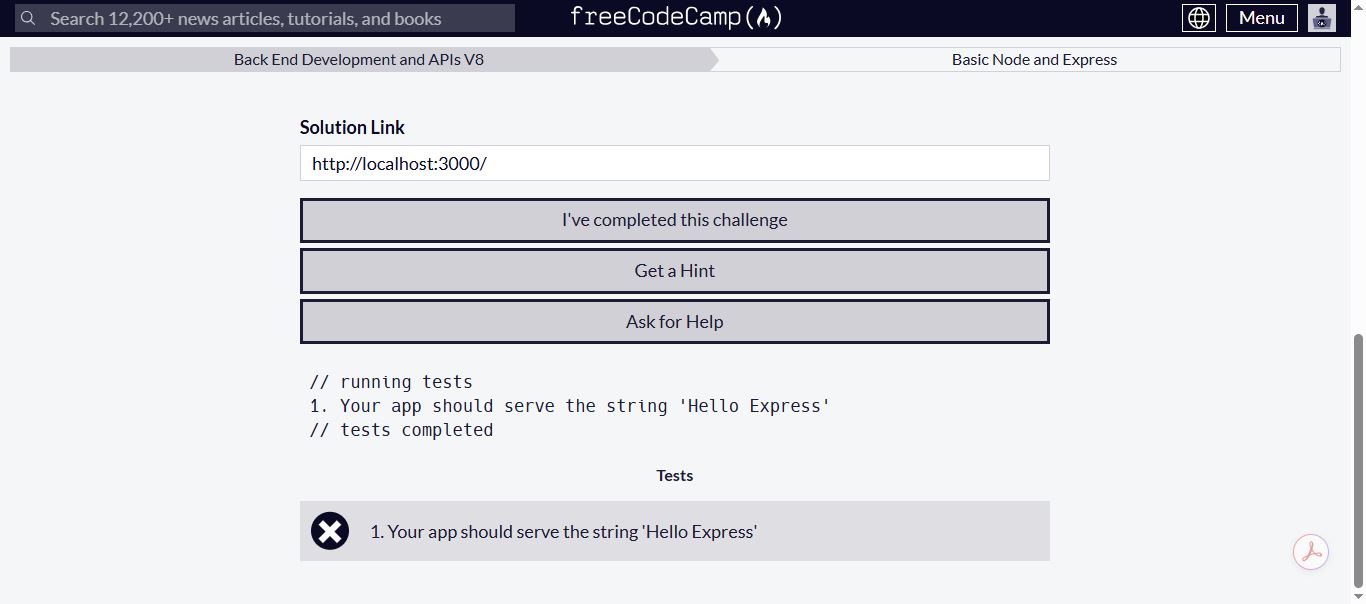
look for all occurrences of .use( and see what is happening. Is it possible you messed with the original code given to you? (I assume you didn’t add any that uses use)?
The only clue that I have is this from the console:
Uncaught (in promise) Error: A listener indicated an asynchronous response by returning true, but the message channel closed before a response was received
Unchecked runtime.lastError: A listener indicated an asynchronous response by returning true, but the message channel closed before a response was received
I downloaded the files again and didn’t npm install.
I am still getting errors.
let express = require(‘express’);

let app = express();


app.get("/", function (req, res) {

  res.send("Hello Express");

});

module.exports = app;
Console:
fcc-learn-node-with-express@0.1.0 start C:\Users\Owner\Downloads\boilerplate-express-main
node server.js

internal/modules/cjs/loader.js:883
throw err;
^

Error: Cannot find module ‘fcc-express-bground’
Require stack:

C:\Users\Owner\Downloads\boilerplate-express-main\server.js
at Function.Module._resolveFilename (internal/modules/cjs/loader.js:880:15)
at Function.Module._load (internal/modules/cjs/loader.js:725:27)
at Module.require (internal/modules/cjs/loader.js:952:19)
at require (internal/modules/cjs/helpers.js:88:18)
at Object. (C:\Users\Owner\Downloads\boilerplate-express-main\server.js:6:17)
at Module._compile (internal/modules/cjs/loader.js:1063:30)
at Object.Module._extensions..js (internal/modules/cjs/loader.js:1092:10)
at Module.load (internal/modules/cjs/loader.js:928:32)
at Function.Module._load (internal/modules/cjs/loader.js:769:14)
at Function.executeUserEntryPoint [as runMain] (internal/modules/run_main.js:72:12) {
code: ‘MODULE_NOT_FOUND’,
requireStack: [
‘C:\Users\Owner\Downloads\boilerplate-express-main\server.js’
]
}
npm ERR! code ELIFECYCLE
npm ERR! errno 1
npm ERR! fcc-learn-node-with-express@0.1.0 start: node server.js
npm ERR! Exit status 1
npm ERR!
npm ERR! Failed at the fcc-learn-node-with-express@0.1.0 start script.
npm ERR! This is probably not a problem with npm. There is likely additional logging output above.
npm WARN Local package.json exists, but node_modules missing, did you mean to install?

npm ERR! A complete log of this run can be found in:
npm ERR!     C:\Users\Owner\AppData\Roaming\npm-cache_logs\2025-12-08T04_39_10_170Z-debug.log
PS C:\Users\Owner\Downloads\boilerplate-express-main>