Hello everyone! 
I finished the survey form project. It took me a while because I tried to align the text to the left with the input right below but I didn’t know whether to use float or flex.
I also had a hard time with responsiveness and I think I overwhelmed my CSS with too many media queries… 
My question here is : how can I align the the labels with the input to the middle (vertical)?
How can I align the radio buttons to the left?
They seem to be floating around but with position:absolute I just don’t dare to touch anything… 
Here is the link to my Codepen
(add codepen url before) CodeCaptina/pen/EMbqOE
If you see anything else that looks off to you, don’t hesitate to tell me!
I’m here to learn 
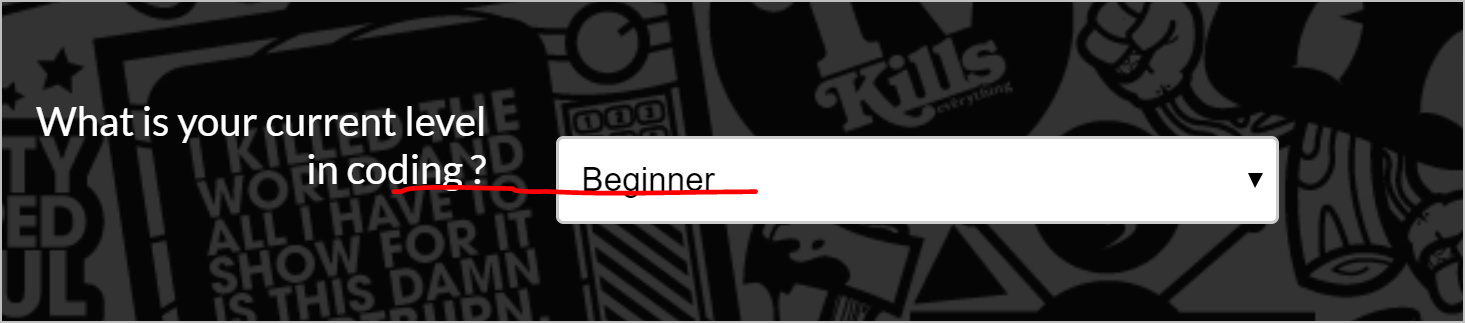
Screenshot of label misalignmentstrong text