Hi!
I have a table in html.
I would like to add a horizontal line like in the picture after the texts.

How do I do that?
Please show us your code so we can see what you’ve tried so far.
When you enter a code block into a forum post, please precede it with a separate line of three backticks and follow it with a separate line of three backticks to make it easier to read.
You can also use the “preformatted text” tool in the editor (</>) to add backticks around text.
See this post to find the backtick on your keyboard.
Note: Backticks (`) are not single quotes (’).
Agreed. We don’t usually make it a habit of just giving people the answer without at least some effort first.
I had never done this exact effect before so out of curiosity I was able to get it working with some relatively simple CSS that I think you could use in your table. It seems to scale nicely to any type of font used and text size increases.
I will give you a hint as to how I did it  Think of the text and the dotted line as two separate items. There is a layout method that is very good (some might say, extremely flexible) at displaying items side by side in a single row.
Hi again!
First of all I am not an expert.
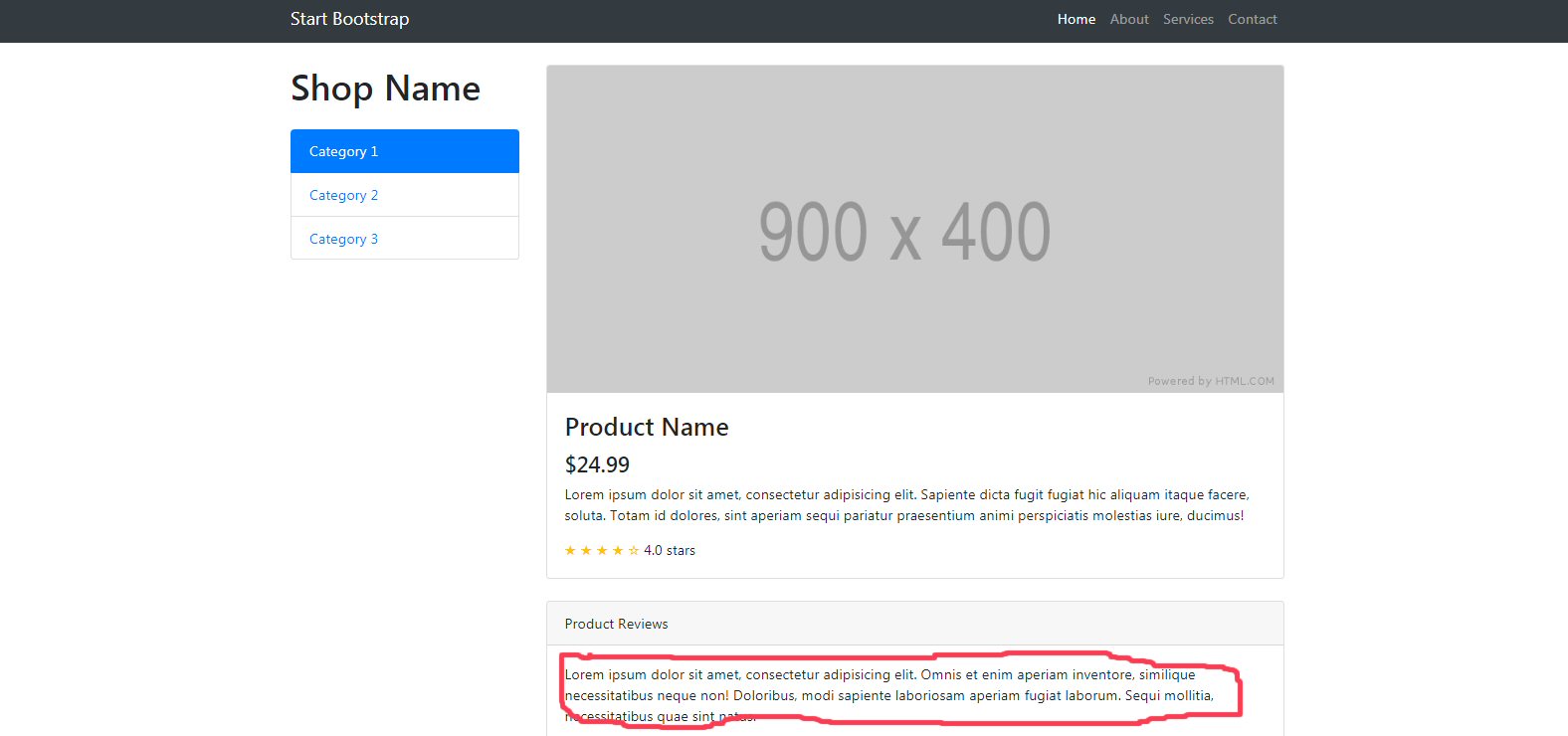
I have downloaded the template Shop Item - Bootstrap Ecommerce Shop Item Template - Start Bootstrap.
html
<html>

<head>
<meta http-equiv="Content-Language" content="sv">

<meta http-equiv="Content-Type" content="text/html; charset=windows-1252">
<title>Test</title>
<link href="test.css" rel="stylesheet" />

</head>

<body>


<table border="1" cellpadding="0" cellspacing="0" style="border-collapse: collapse; border-width: 0" bordercolor="#111111" width="100%">
  <tr>
    <td width="50%" style="border-style: none; border-width: medium">One
 <div>
  Test
</div>
</td>
    <td width="50%" style="border-style: none; border-width: medium">1</td>
  </tr>
  <tr>
    <td width="50%" style="border-style: none; border-width: medium">Twenty</td>
    <td width="50%" style="border-style: none; border-width: medium">20</td>
  </tr>
</table>


</body>

</html>
css
div {
  display: flex;
  width: 300px;
}

div:after {
  border-bottom: 1px dotted black;
  content: '';
  flex: 1;
}
Again, without being able to see all of your code it is very difficult to help you. The best option would be to put your project in a public place where we can see it, such as codepen or github.