Hello! my question is how would i make a small box with text in it that has it’s own scroll bar? I get the basic add a div class and in css add a overflow: scroll and width and height, but for some reason it just doesn’t work?
html
<div class="box">
 yay
</div>
css
.box {
height: 200px;
width: 120px;
background-color: white;
overflow: scroll;
}
i’m not sure what i’m doing wrong.
toan
May 30, 2024, 4:25am
2
The text content inside your div is too short to make it overflow.
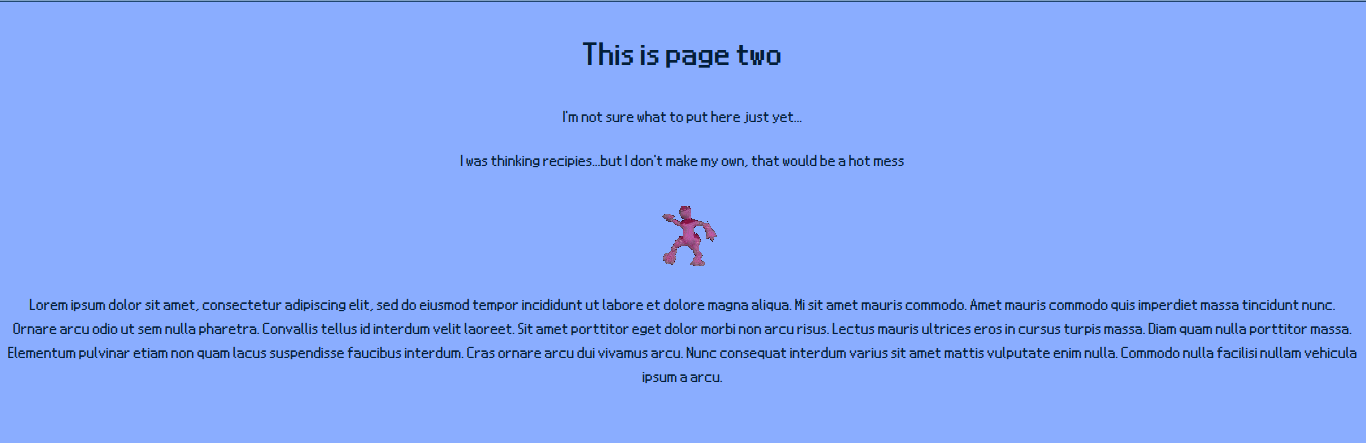
for some reason, it displays too wide? (the text is just a test)
toan
May 30, 2024, 5:03am
4
This is weird as width and height is set in CSS.
Your code worked. Check out this pen:
1 Like
I don’t get it? i already have the width and height in css?
also when i put in text, it just displays the whole thing, horizontally.
oh! perhaps the css above it is causing it to not work?
body {
  background-color: #8aadff;
  font-family: Nintendo DS BIOS;
  src: url("/fonts/NDSBIOS.ttf");
  font-size: 20px;
  text-align: center;
  color: #031e38;
}

.box {
height: 120px;
width: 120px;
background-color: white;
overflow: scroll;
}
alright, its working now! I just had to empty my web cache…thank you!
1 Like
system
November 28, 2024, 7:46pm
8
This topic was automatically closed 182 days after the last reply. New replies are no longer allowed.