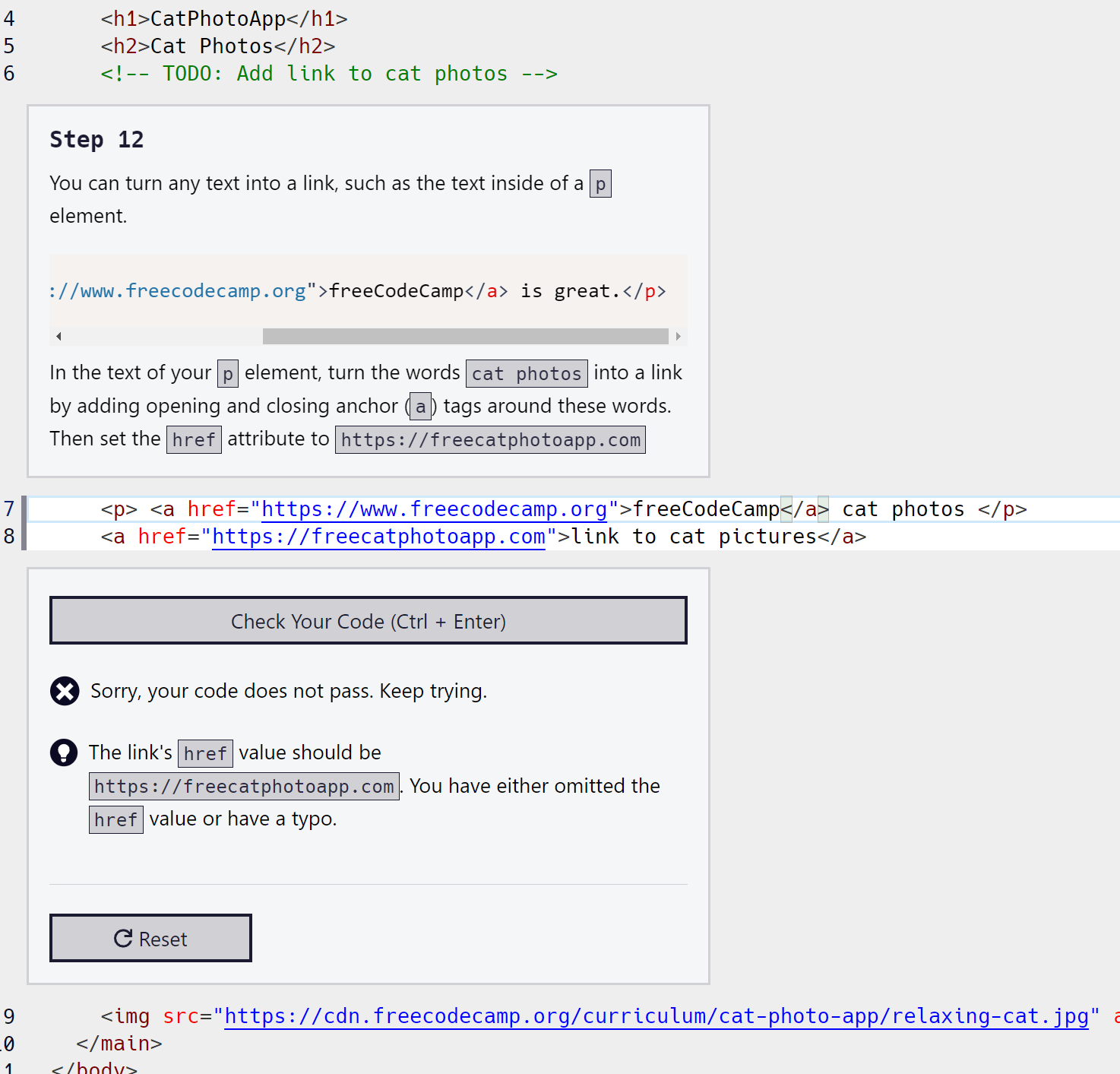
Describe your issue in detail here. Not sure what the issue is its saying its wrong?
Your code so far
<html>
  <body>
    <main>
      <h1>CatPhotoApp</h1>
      <h2>Cat Photos</h2>
      <!-- TODO: Add link to cat photos -->

<!-- User Editable Region -->

      <p>See more <a>cat photos</a> in our gallery..</p>
      <a href="https://freecatphotoapp.com"> </a>

<!-- User Editable Region -->

      <img src="https://cdn.freecodecamp.org/curriculum/cat-photo-app/relaxing-cat.jpg" alt="A cute orange cat lying on its back.">
    </main>
  </body>
</html>
Your browser information:
User Agent is: Mozilla/5.0 (Windows NT 10.0; Win64; x64) AppleWebKit/537.36 (KHTML, like Gecko) Chrome/118.0.0.0 Safari/537.36
@bak3r even though the code was not correct please do not try and give solutions to the challenges. I know another mod asked you not to do the same thing in another topic
It is better to paste your actual code in here than to post a pic of your code. In the future, please use the following method to paste your HTML in here.
To display your code in here you need to wrap it in triple back ticks. On a line by itself type three back ticks. Then on the first line below the three back ticks paste in your code. Then below your code on a new line type three more back ticks. The back tick on my keyboard is in the upper left just above the Tab key and below the Esc key. You may also be able to use Ctrl+e to automatically give you the triple back ticks while you are typing in the this editor and the cursor is on a line by itself. Alternatively, with the cursor on a line by itself, you can use the </> button above the editor to add the triple back ticks.
Concerning the last pic of your code, you have deleted text from the p element that was originally there. You don’t want to do that. I would reset the step to get the original HTML back.
You don’t want to delete anything in the HTML. You are only adding an anchor element to turn the words “cat photos” into a link. You already turned the words “link to cat pictures” into a link. You did that by wrapping them in an anchor element. In other words, you put an opening a tag before those words and a closing a tag after those words. You want to do the same thing to the words “cat photos” in the middle of the p element.