Feel free to leave some feedback and review of my third responsive project.
P.S. Design of this one isn`t mine, but i changed it for myself with my vision.
Feel free to leave some feedback and review of my third responsive project.
P.S. Design of this one isn`t mine, but i changed it for myself with my vision.
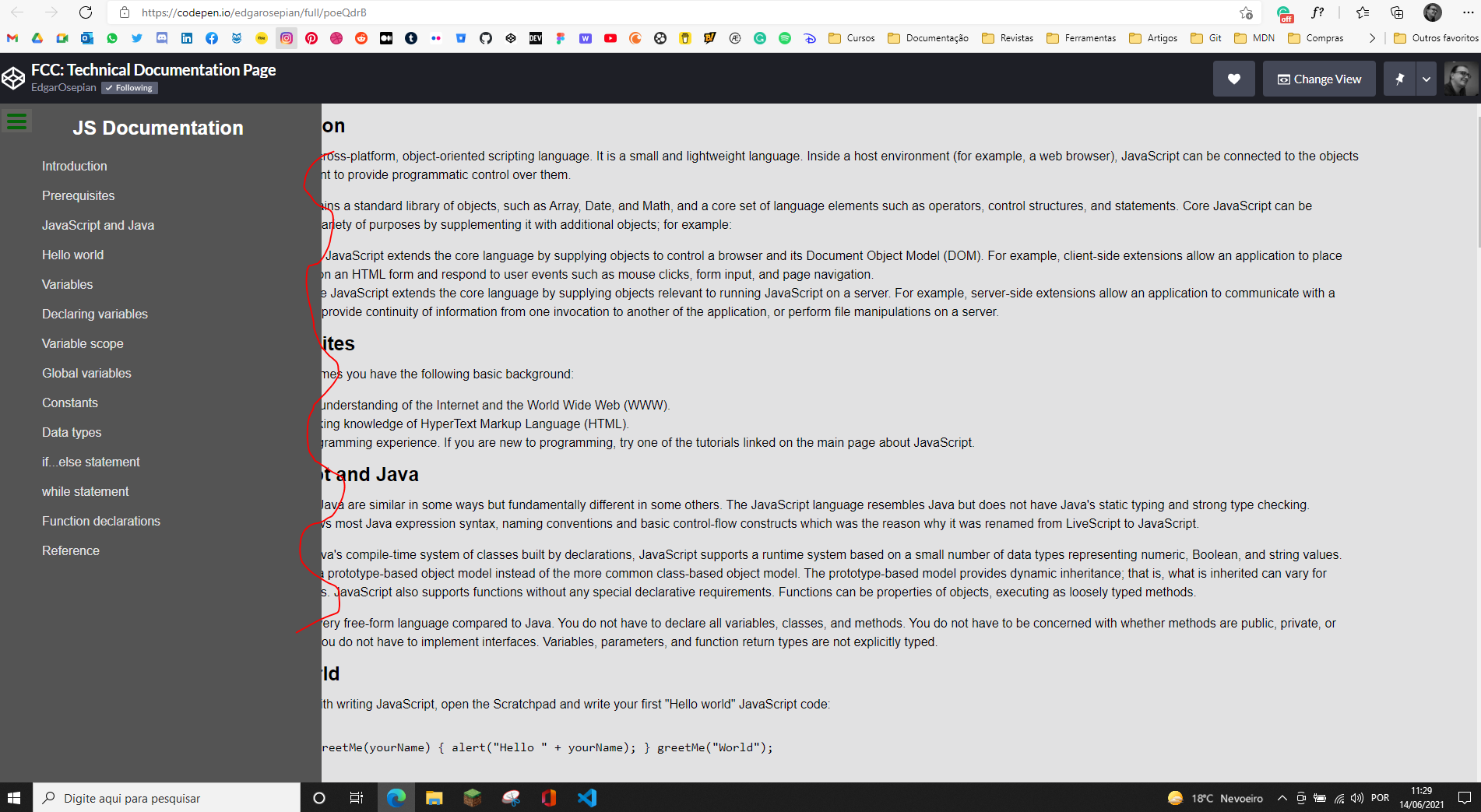
i think because the main paragraphs ( position: absolute ) so it will remain in the same place as you design it.
Hi @adrianoenache Thanks, i did not check the bigger screen size.
I positioned navbar and main content with display: flex and could not understand why it`s happening like that but was trying to fix it using left margin.
Finally i found answer on the stack overflow . when you define a block as position: fixed it is brought out of the document model and thus your right side content is displayed under the left fixed position block. To overcome this i also used left margin but with percentage value not px and rems.
Hello @Edgar29
Nice, I was looking and when you make a hover in the menu you notice the text do a little jump? The way to improve that is in the normal state you have the border there too but transparent, and you have two ways to do it. One you use transparent in the place of color, and the other you use the the RGBA function or the same color in the background for the normal state and with this, you can make animation in the border.
The picture below a little challenge for you.

Hi @adrianoenache Challenge accepted 
Thanks for your response.
Hello @Edgar29
There are two ways to make animations with CSS.
Try to animate the color of background when you hover over it.
Transitions - CSS Reference
Animations - CSS Reference
For this case, I think if you try to do with “Transitions” will be good.
easing-function - CSS: Cascading Style Sheets | MDN (mozilla.org)
A better tool for cubic-bezier() easing – Lea Verou
Enjoy it.
@adrianoenache Thanks, I`ve added transition timing.
I have almost forgot about this property.
Hello @Edgar29
This works but isn’t good for performance. Is better if you specify what you are animating. The default easing function is “ease” if that was the intention it’s ok to omit that value.
transition: all 0.5s;
Like this selector
* {
 ...
}
These things can cause more harm than good, use with caution.
@adrianoenache Ok, Thanks
This topic was automatically closed 182 days after the last reply. New replies are no longer allowed.