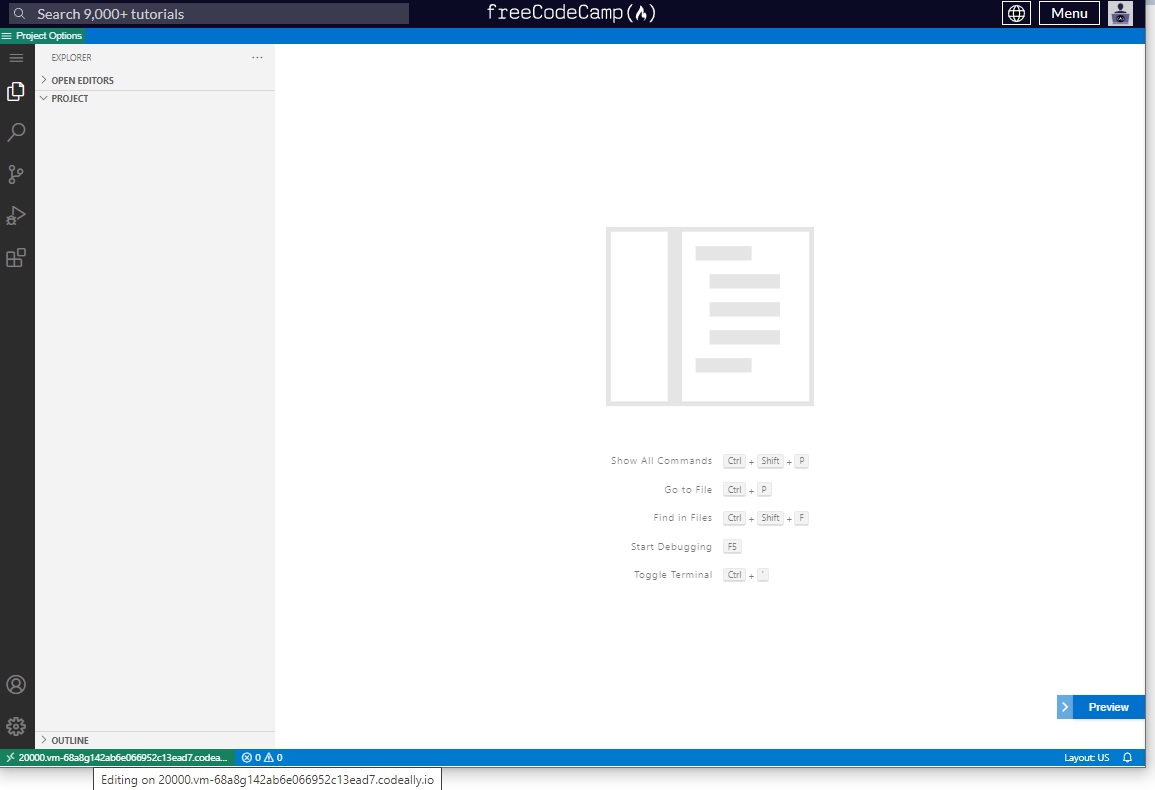
It was working up to June 27 when I got to around 90% of this course. After that, whenever I open it, the tutorial doesn’t load anymore. The tutorial for other Relational Database courses open normally.
Project dropdown is empty.
I followed the guide in Running the Relational Database Curriculum in your Browser and opened the command palette, but CodeRoad doesn’t appear as an option, even if I type it.
I clicked on the Extensions button and it says nothing is installed (I noticed that for working courses, CodeRoad appears under the Extensions menu).
Other things that didn’t work:
- Clearing my cache;
- Opening in a incognito window;
- Opening in a different browser (Vivaldi).
My main browser is Google Chrome version 114.0.5735.199.
Thing that worked but doesn’t solve my problem:
Assuming it was happening because of the maintenance, I asked someone else to open it with their account assuming it wouldn’t work for them either, but it worked.
How it looks like: