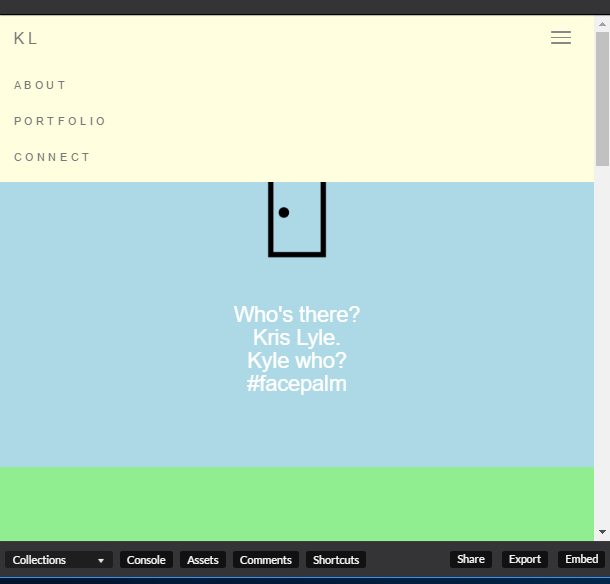
Can’t figure out why my Navbar isn’t displaying the content of my <li><a href="#">ABOUT</a></li> text (i.e, my page sections).
`
`Any thoughts? The full code can be viewed here.
Can’t figure out why my Navbar isn’t displaying the content of my <li><a href="#">ABOUT</a></li> text (i.e, my page sections).
`
`Any thoughts? The full code can be viewed here.
Are you using the CDN for bootstrap that is the alpha 4.0 version? I’ve had major issues with that version and revert back to the 3.3.7 version.
https://maxcdn.bootstrapcdn.com/bootstrap/3.3.7/css/bootstrap.min.css
Try that out and see if it works 
I was, and I just changed it to 3.37… but my navbar is still showing a blank. 
[minutes later]
It’s definitely something with the CSS though, because when I remove both 3.3.7 and 4.0 then a navbar of sorts appears; though it lacks any sophisticated styling (just an unordered list).
See what I did: https://codepen.io/JohnnyBizzel/pen/bqqmoj
FIGURED OUT WHAT WAS WRONG.
I was collapsing myNavbar with this class: class="collapse navbar-collapse". An idea I got from following w3s advice, so I’m not sure why it worked for them but not for me.
In any case, when I removed that class, my navbar content showed up.