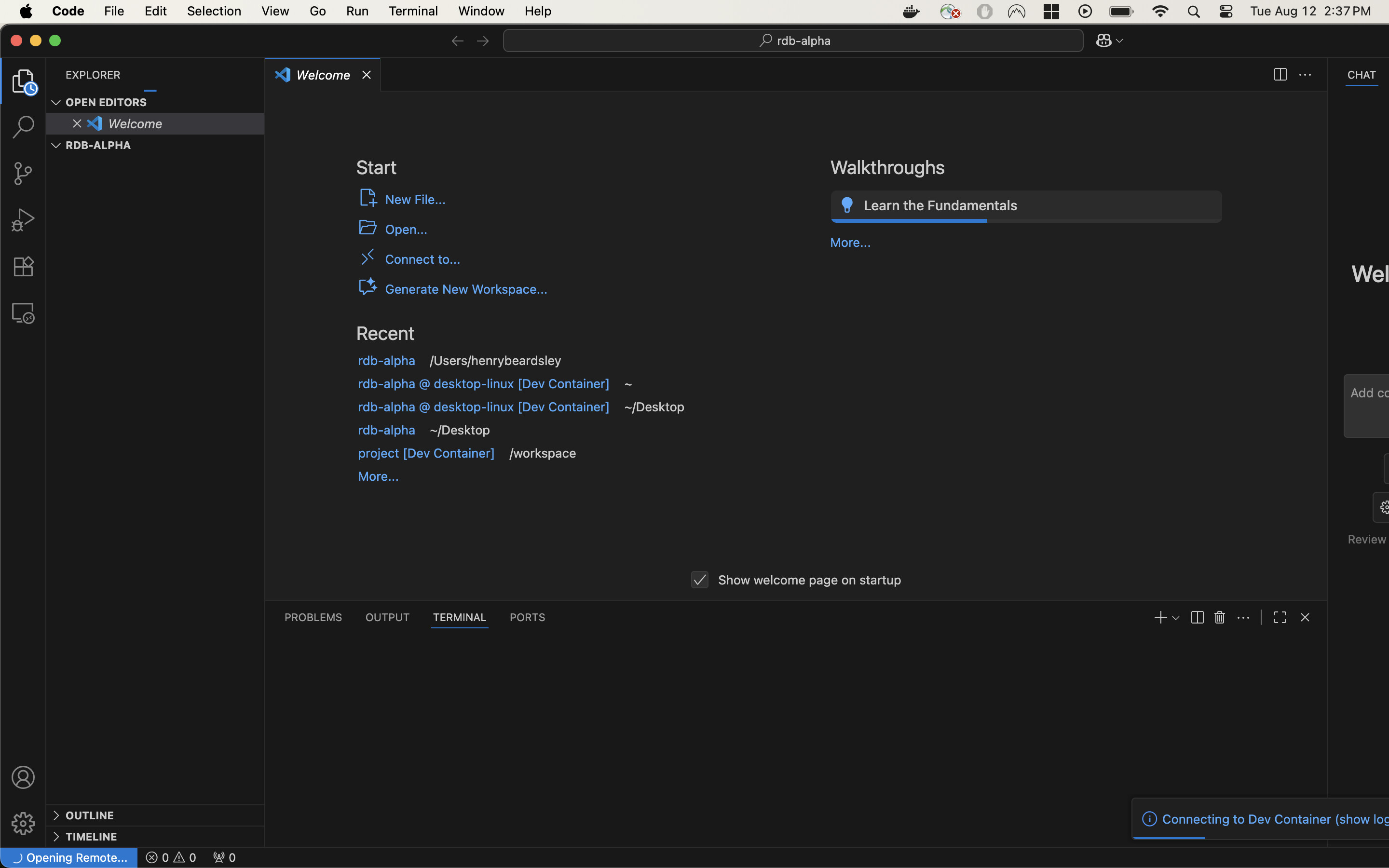
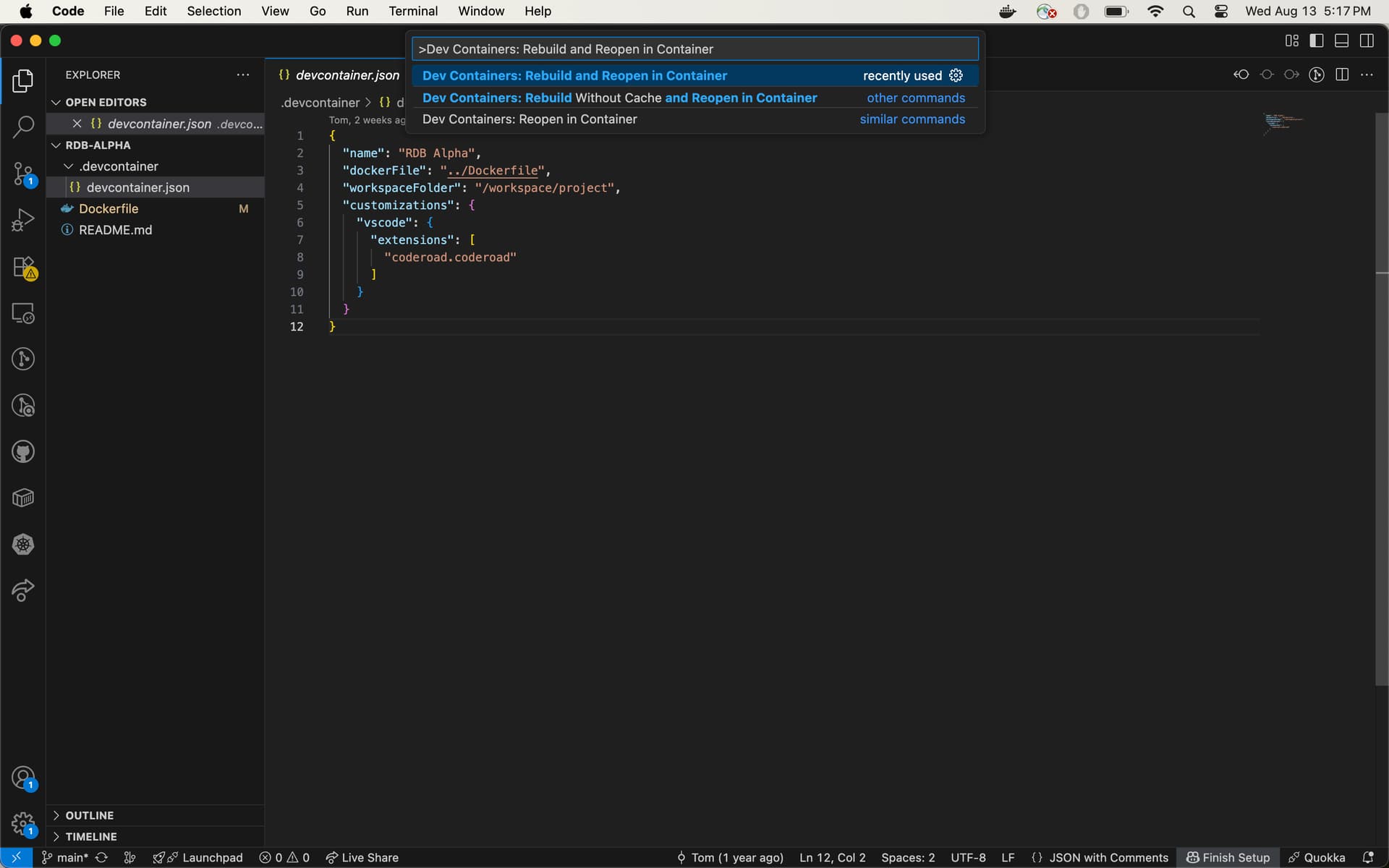
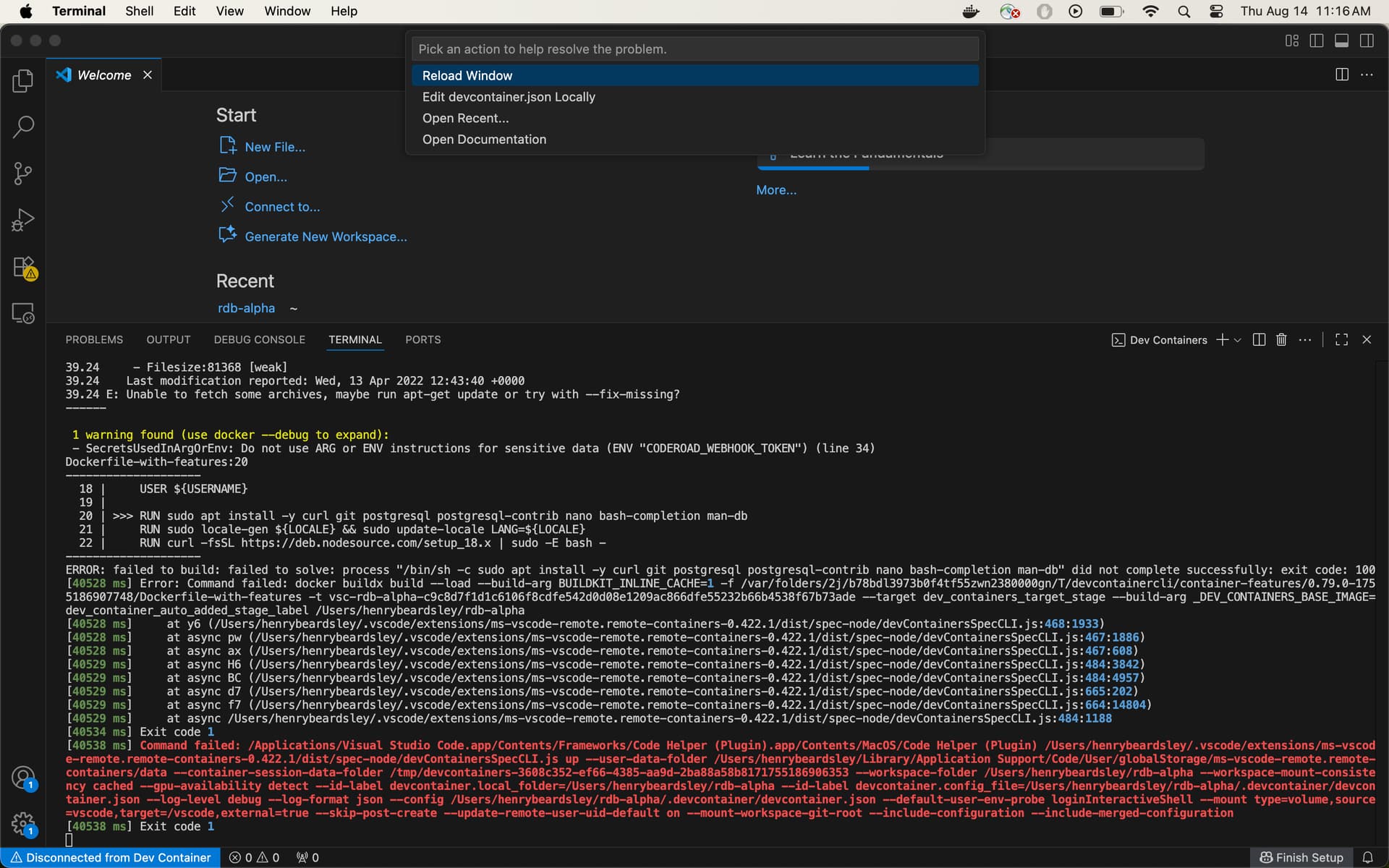
I have done the first two steps of the boilerplate set up in the relational database course and downloaded the necessary items. The step 3 of “Open the command palette in VS Code by expanding the “View” menu and clicking “Command Palette…” and enter Dev Containers: Rebuild and Reopen in Container in the input.” has been giving problems, and only results in errors in vs code starting with this Command failed: /Applications/Visual Studio Code.app/Contents/Frameworks/Code Helper (Plugin)
Your code so far
Your browser information:
User Agent is: Mozilla/5.0 (Macintosh; Intel Mac OS X 10_15_7) AppleWebKit/605.1.15 (KHTML, like Gecko) Version/17.1 Safari/605.1.15
Challenge Information:
Learn Bash by Building a Boilerplate - Build a Boilerplate
Sorry, this is on me. I was vague. I downloaded the Docker Engine, VS Code, the Dev Containers extension, and git. Then inside the terminal on my mac I ran git clone https://github.com/freeCodeCamp/rdb-alpha followed by “cd rdb-alpha” and “code .” This ends up with me on visual studio code where I try to do step three of “Open the command palette in VS Code by expanding the “View” menu and clicking “Command Palette…” and enter Dev Containers: Rebuild and Reopen in Container in the input.” Now I get an error code followed by exit 1. I am opening the palette through command + shift + P, but I don’t believe that should cause problems.
When I do the command my vs code then looks like this. I have docker open behind it, and have no idea how to do this as it is my first time trying as of two days ago although it has been many hours since. The error codes I get in vs code terminal and I try the reload window option ( vs code undergoing the process is the screenshot ) starts with
also can you check that the extension called ‘remote containers’ is installed in vs code (you should have gotten a prompt when you ran code . from rdb-alpha to install it)
When I put a command like this in ie.
ls -l /root/.vscode-remote-containers
ls -l /root/.vscode-remote-containers/dist
ls -l /root/.vscode-remote-containers/
ls -l /root/.vscode-remote-containers/dist/
I get something saying No such file or directory. If it helps, this is the full screen I get after it fails.
were you able to try docker --version from the command line and see if it worked?
Also which of the files you mentioned is missing?
To be honest, I’m not sure what is the issue you are having as it is the first time for me seeing this specific error reported here.
In my environment the directory .vscode-remote-containers/dist does exist though
Edit: Try to capture the errors in the logs by copying and pasting them to your next message. Maybe someone can figure out what to do once we get a closer look at them.
The operation couldn’t be completed. Unable to locate a Java Runtime that supports apt.
Please visit http://www.java.com for information on installing Java.
I downloaded java at the site that it gave and it still gave this message.
sorry, I guess apt doesn’t work on mac
can you try the same command from within the docker container?
so try to reopen the container, then open a bash terminal, then try there?
On mine it does this:
camper: /project$ sudo apt-get check
Reading package lists... Done
Building dependency tree
Reading state information... Done
camper: /project$
I ran it in the vs code terminal under the Docker file and got the same error code i.e. while on the screen from post number 10. I also tried on the failure scene, i.e. the screen from post 12, however it would not let me type in the terminal.