I want to set the project up in my own codepen account. I would like my starting point to be where I have a pen saved in my own account with a name (eg: fCC Tribute Page) and the test suite connected to the pen but no code in the pen yet - and I’m a bit challenged to find the way to do this.
1: For some reason I thought that forking the template was an option but I do not see fork button at the bottom of the Template.
2: I see this video from about a year ago but however he is going about it looks like he’s just doing work in someone else’s pen and then submitting that when completed (I could be wrong about what’s happening but if that is it then I don’t like that idea at all).
3: I see this part in the video where some script tag is being put in a pen (and I’m guessing that is what’s responsible for connecting the test suite to the pen) but it isn’t clear from the video where that is coming from. It isn’t in the template linked in the challenge description. Perhaps it is the cdn link given in the challenge description that is used in the script tag?
Is there some simple way to just create a new, blank pen in my own account and then add something to it to connect the test suite to that pen?
Your browser information:
User Agent is: Mozilla/5.0 (X11; Ubuntu; Linux x86_64; rv:99.0) Gecko/20100101 Firefox/99.0
Create a blank FCC project. Click the gear icon on the HTML section. You should see the pen settings like in the image below. Copy and paste the above script tag inside the text field labelled "Stuff for <head>". I hope that helps.
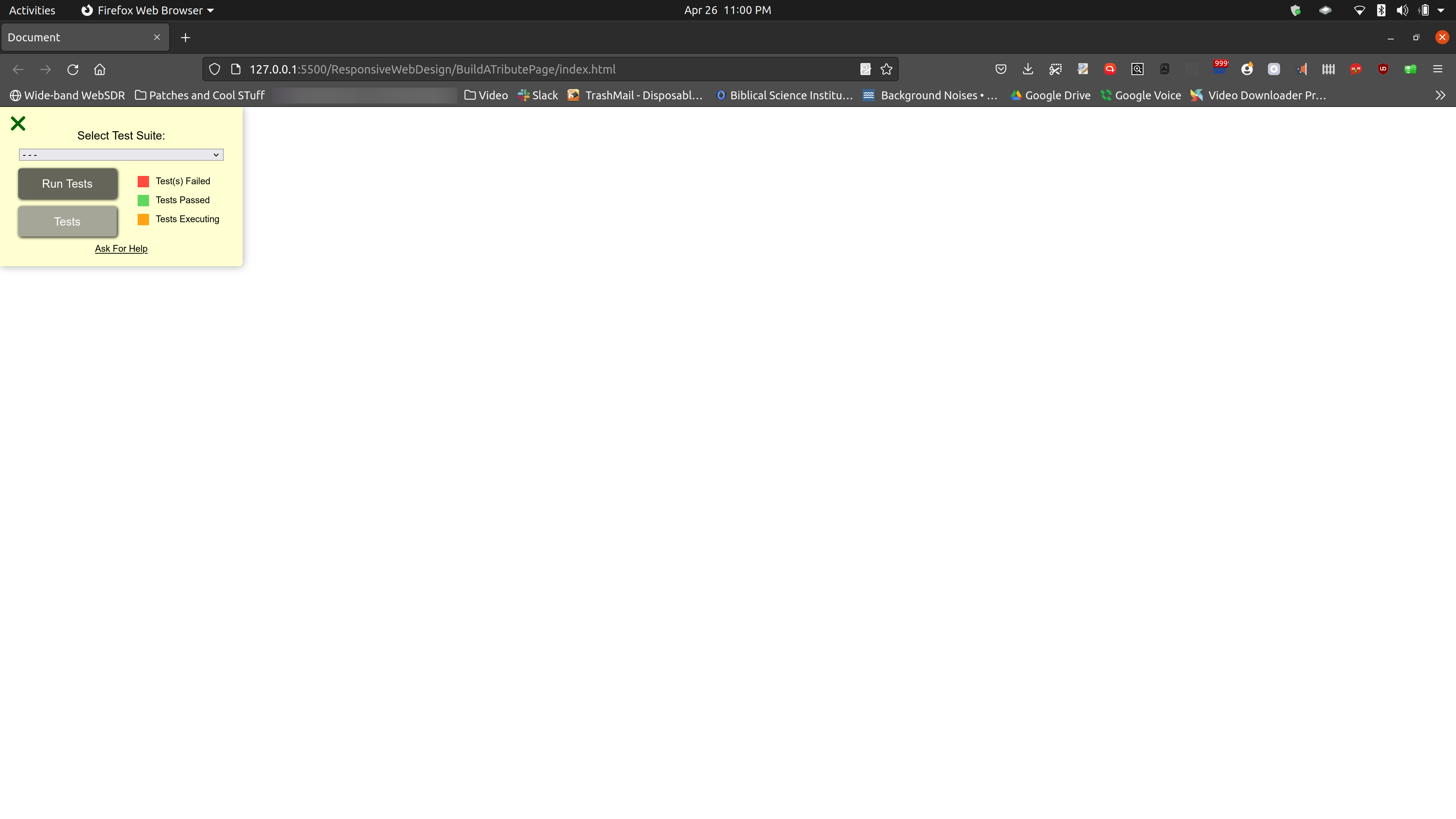
^ That screenshot is a shot of liveserver running in firefox serving up a local index.html file with the above code in the head section. It’s coming from a local git repo being edited in vscode locally and I can get (anyone can get) the test suite attached to that and develop the project locally if you choose to.
you can also Save the template - as it’s a template and not a pen you can’t fork it, but you can save it to create a new pen in your account and then change the pen name